Arizona Cardinals Home: The official source of the latest Cardinals headlines, news, videos, photos, tickets, rosters and game day information
How to Get an Arizona Cardinals License Plate
Order the official Cardinals specialty plate online through AZ MVD Now in about five minutes.
Arizona's official motor vehicle site, AZ MVD Now, lets you order the Cardinals specialty plate online with or without personalized text. Start at azmvdnow.gov/plates and follow the steps below.
1
Open the Specialty & Personalized Plates page
Go to azmvdnow.gov/plates in your browser. You'll land on the "Specialty & Personalized Plates" page showing a grid of plate styles.

2
Select the Arizona Cardinals plate
Under "Select a Plate Style," click the Arizona Cardinals tile. The plate may appear in a different position than pictured.
Don't see it? If the Arizona Cardinals plate isn't shown in the grid, click the See All button at the bottom of the page to view the full list of available plate styles.
3
Review the pricing and continue
A pop-up will show the plate details and fees:

Click Continue in the pop-up to proceed to the Plate View page.
4
Choose personalized or standard text
On the Plate View page, you'll see the plate preview and two ordering options:
Click Personalize Text to create custom plate text, or Without Personalized Text to get a standard-issue plate number.

5
Sign in to complete your order
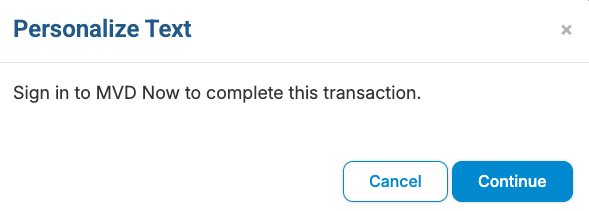
After you choose an option, a pop-up will tell you to sign in to MVD Now to complete the transaction.